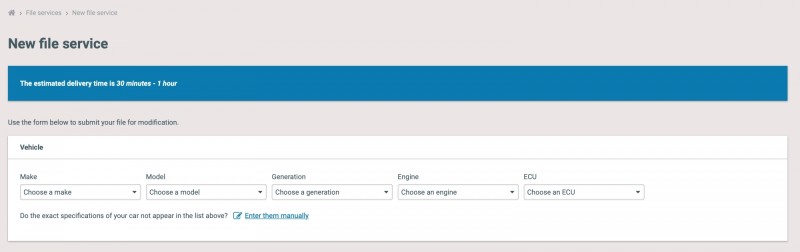
To configure this feature go to Settings > Delivery times. There are a couple of fields to fill in because delivery times take into account the number of open file services. When you have many open files it is likely customers have to wait a bit longer. The system works with tiers to determine the current waiting times.
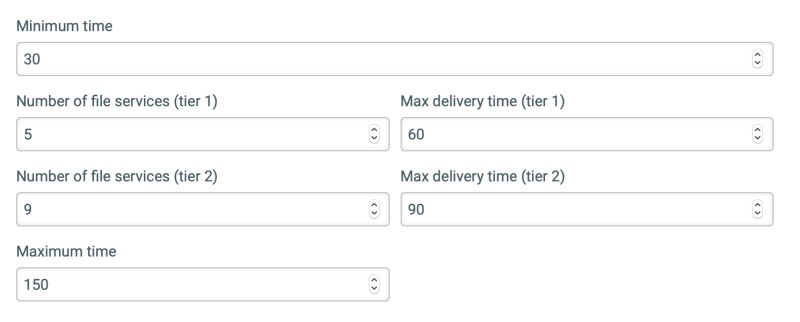
The minimum time that you specify is the least amount of time you expect it takes to delivery a file. Next specify the number of files that defines tier 1 and specify how long a file should take at most to be delivered in tier 1. Do the same for tier 2. Finally specify a maximum time that should be displayed when there are more file services. The table below shows a couple of examples of waiting times. Note that only open file services are counted. File services with any status other than open are not counted when determining delivery times.
Example configuration
We will first show a sample configuration and then give the actual, more abstract, rules that are applied.